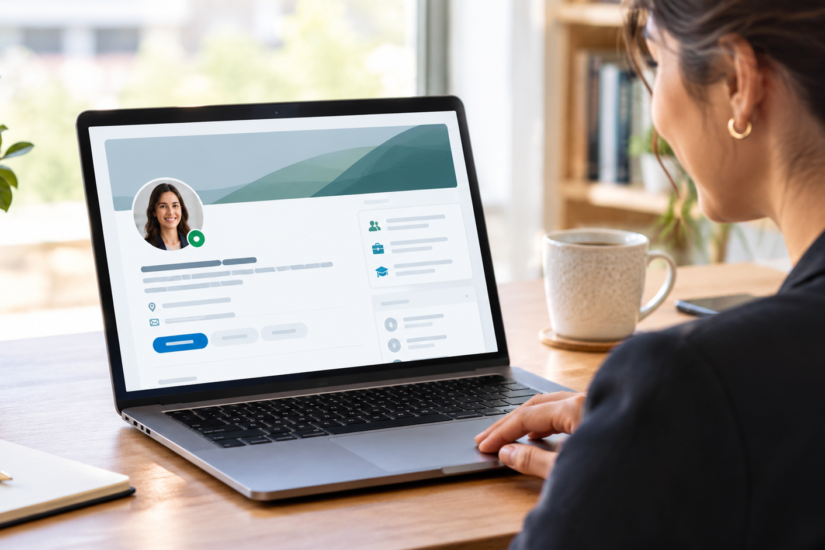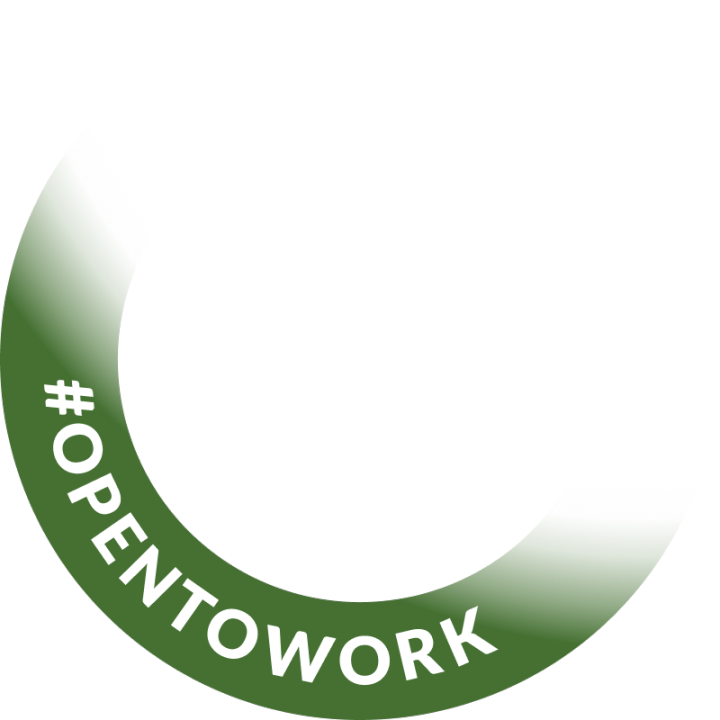
Adding the green #OpenToWork frame to your profile is only one part of the story!
Here’s how it works 👇
✅ 1. You choose your preferences.
Set the job titles, locations, workplace types (remote, hybrid, on-site), and employment types you’re interested in.
⚙️ 2. LinkedIn uses this information behind the scenes.
Your preferences help LinkedIn match your profile with relevant recruiter searches and job opportunities. They don’t guarantee that you’ll appear in every search or receive job offers.
👀 3. You control who sees your status.
You can choose between:
- All LinkedIn members: Your profile displays the green #OpenToWork photo frame.
- Recruiters only: Your status is shared with recruiters using LinkedIn’s recruiting tools, without the public frame. However, LinkedIn can’t guarantee complete confidentiality from your current employer.
💡 My tip: Even if you don’t want the green frame, activating “Recruiters only” can help signal your availability. Keep your job preferences specific and your profile aligned with the roles you want.
Remember: Open to Work is a visibility signal, not a guarantee of visibility. Your profile, keywords, skills and experience still matter!
#LinkedInTips #JobSearch #CareerAdvice #Recruitment